
Decisions, plans and progress.
In your repositories.
Docflow helps your coding agent record project decisions, plan work and check what is complete. You use its skills through prompts in your agent. The results live in ordinary files in your repositories.
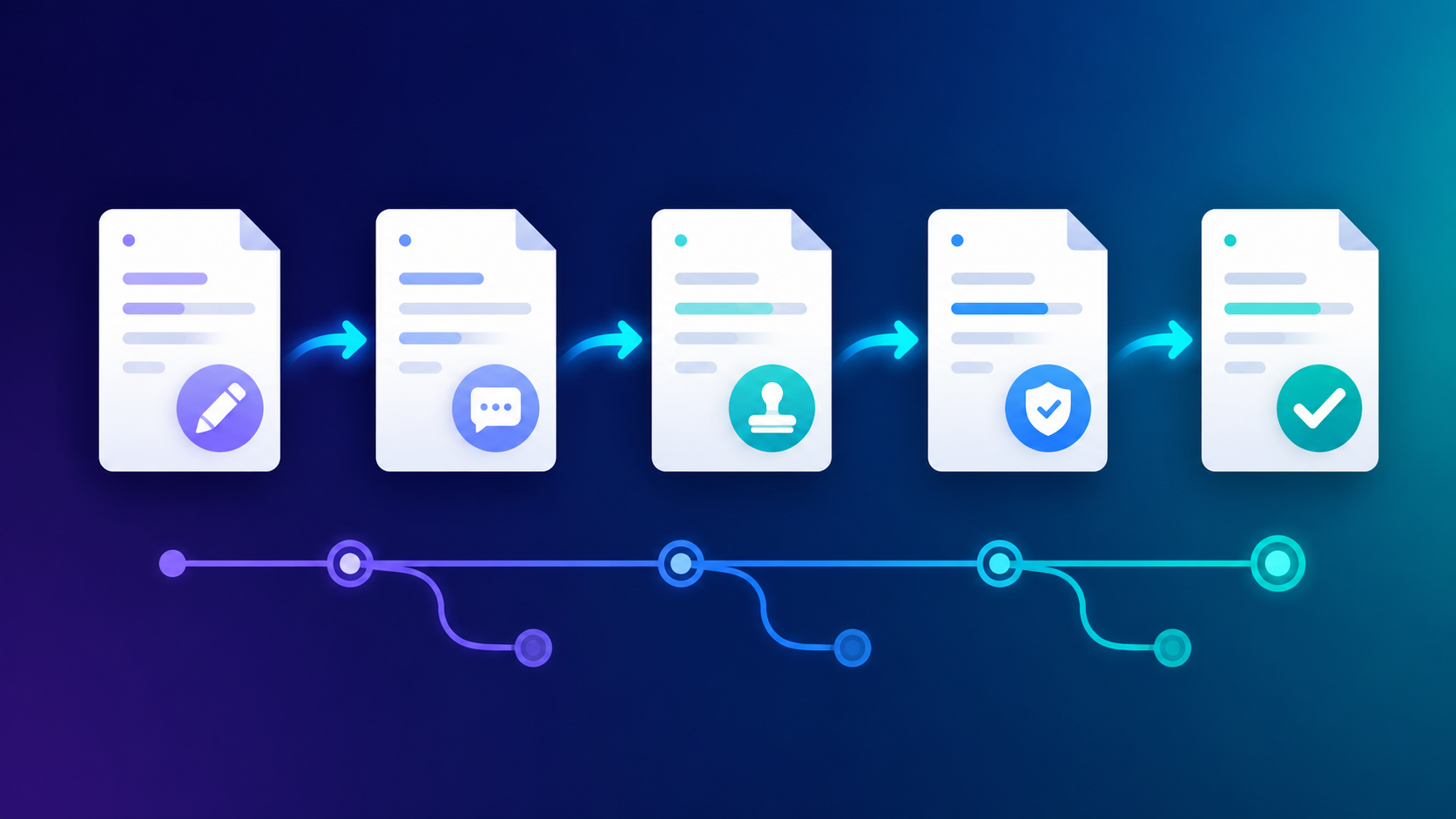
1. Choose your scope
Start with one repository. Add a workspace when work spans several.
2. Give your agent a task
Use a named skill to record a decision, plan work or read current progress.
3. Inspect the result
Review the proposed changes and check the evidence before calling work complete.
Start with a plan you can review
Open your repository in your coding agent after installing Docflow.
In your agent
Use bootstrap here in guided mode, including a plan queue. Read existing instructions and preserve our current Git rules. Show the setup plan and stop for my review before writing.
How to invoke this skill
Claude Code: /bootstrap (or /docflow:bootstrap when exposed). pi / omp: /skill:bootstrap. Codex: $bootstrap or find it in /skills. OpenCode, Grok, Cursor and Copilot: select the discovered bootstrap skill. Add the task text above. These are agent inputs, not terminal commands.
You should see: a summary of what exists, the files Docflow proposes to add or merge, and the working rules it will preserve. The one-repository guide takes you through the next step.
The 0.10.0 package provides fourteen skills for eight coding agents. Full native qualification remains pending. Read the release scope.
Skill catalogue · Workspace model · Why this method? · Reference